How a Receipt Management App Is Used for Personal Budgeting at Home
Learn how to use a receipt management app for personal budgeting, including organizing receipts, tracking household spending, and managing digital purchase records.
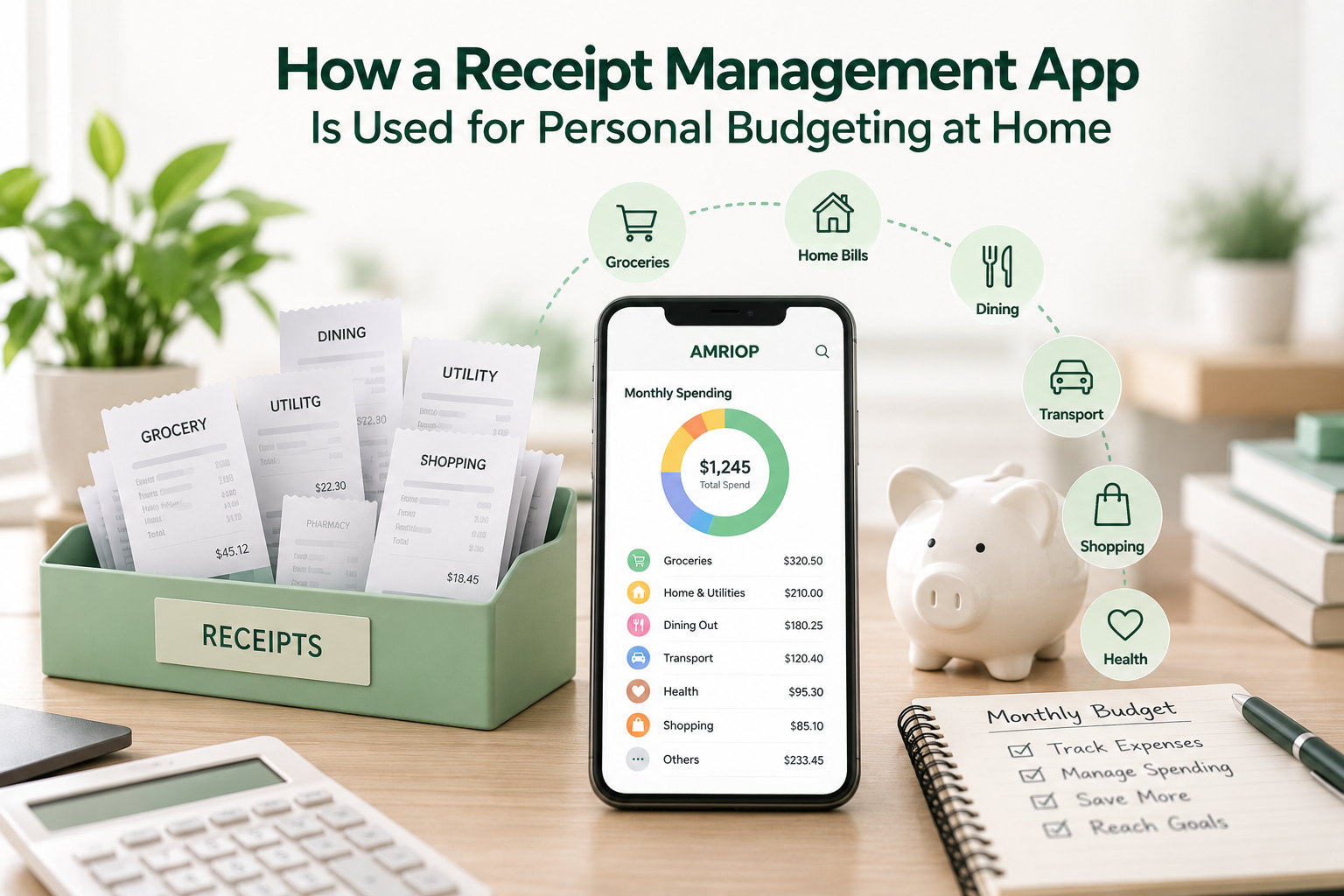
Most household budgets break down not because a system is missing, but because receipts are never collected in one place. A receipt management app turns scattered paper slips, email confirmations, and forgotten purchases into a clear, searchable picture of where money goes every month.
Household budgeting becomes easier when every purchase can be connected to a record. Bank and credit card statements show how much was spent, but they do not always preserve the details behind each transaction. Receipts provide that missing context.
A receipt management app can be used to collect, organize, categorize, and retrieve household receipts without depending on paper folders or an overflowing photo gallery. Once a simple routine is established, receipts can become a useful part of a personal budgeting system rather than another document to manage.
What Is a Receipt App, and Is It Useful for Home Budgeting?
A receipt app is designed to provide a dedicated place for storing and organizing purchase records. For household use, it can function as a receipt organizer and a searchable record of everyday spending.
Unlike enterprise-focused receipt software, a personal receipt app does not need to be complicated. The goal is simply to keep purchase information together so it can be reviewed when required.
How a Receipt Organizer Differs From a Banking or Budgeting App
A banking app records the financial transaction. A receipt organizer stores the document and purchase details behind that transaction.
For example, a bank statement may show a $180 transaction from an electronics retailer. The receipt can show the exact product purchased, purchase date, taxes, payment method, and return or warranty information.
The two systems therefore serve different purposes:
- Banking app: Records the financial transaction.
- Budgeting app or spreadsheet: Helps analyze spending.
- Receipt organizer: Keeps the supporting purchase document.
- Receipt management app: Can bring receipt storage and organization into one dedicated system.
Together, these records provide a more complete view of household spending.
Why the Paper Receipt Drawer Always Fails
A paper receipt drawer usually starts with good intentions. Over time, however, receipts become mixed together, difficult to search, and easy to lose.
Thermal paper receipts can also fade over time, particularly when exposed to heat, light, moisture, or friction. There is no practical search function, automatic backup, or simple way to find every receipt from a particular retailer.
Moving from paper storage to receipt software removes this physical bottleneck, and households that want to go paperless at home can retrieve receipts more easily when a return, warranty claim, reimbursement, or spending review is required.
A receipt management app is used for home budgeting by capturing every purchase document in one searchable location, something a banking app or spreadsheet is not built to do.
What Household Receipt Categories Should Be Set Up Before Starting?
A receipt tracker becomes more useful when categories are established before receipts start accumulating. Too many categories can make the system difficult to maintain, while too few can make monthly spending patterns difficult to understand.
Recommended Home Receipt Categories
| Category | What It Covers |
| Groceries | Supermarkets, grocery stores, and online grocery purchases |
| Dining and Food Delivery | Restaurants, cafes, takeout, and food delivery |
| Utilities | Electricity, water, gas, broadband, and similar services |
| Subscriptions | Streaming services, software, memberships, and apps |
| Health and Pharmacy | Medicines, pharmacy purchases, medical visits, and wellness |
| Transport | Fuel, rideshare, public transport, parking, and vehicle expenses |
| Shopping | Clothing, electronics, household goods, and personal purchases |
| Repairs and Maintenance | Home repairs, appliance servicing, vehicle maintenance, and contractors |
Why Consistent Category Names Make the Receipt Tracker Work
Consistency matters more than complexity.
If one month’s purchases are labelled “Groceries,” another month’s purchases are labelled “Food,” and another month’s purchases are labelled “Grocery,” monthly comparisons become less reliable.
A receipt keeper with consistent category names makes it easier to review household spending in a few minutes. The same labels can be used throughout the year, allowing recurring expenses and changes in spending habits to be identified more easily.
Eight consistent household categories are enough for a receipt tracker to generate a usable monthly spending picture. Consistency in naming matters more than the number of categories.
How Is a Receipt Management App Set Up Step by Step for Home Use?
A household receipt system does not need to be complicated. Five simple steps can turn a receipt management app into a practical budgeting tool.
Step 1: One App Is Chosen as the Single Home for All Receipts
All paper receipts, email confirmations, and downloaded purchase documents should be collected in one place.
Keeping some receipts in a photo gallery, others in email, and others in cloud folders recreates the same problem as a physical receipt drawer.
A dedicated system provides one location to store receipts digitally, making future searches much easier.
Step 2: Every Receipt Is Captured at the Point of Purchase
Paper receipts should be photographed soon after the purchase, preferably before they are misplaced.
Digital receipts can be downloaded, forwarded, or saved as soon as they arrive. The important part is consistency.
When receipts are captured immediately, the purchase is still fresh in memory and the correct category is easier to identify.
This simple habit makes it easier to store receipts digitally without creating a large backlog.
Step 3: A Category Tag Is Applied Before the Context Is Forgotten
A category and vendor name can usually be assigned in a few seconds.
For example:
- Vendor: Electronics retailer
- Category: Shopping
- Purchase: Wireless headphones
- Date: September 24
Waiting until the end of the month can make this process unnecessarily difficult, especially when several similar purchases have been made.
Step 4: A Monthly Spending Review Is Scheduled
Around 15 minutes can be reserved at the beginning or end of each month for a receipt review.
The receipts can be grouped by category and compared with previous months. This can reveal:
- Increasing subscription costs
- Repeated purchases
- Unusual spending
- Duplicate charges
- Higher grocery or transport expenses
- Large purchases that may require warranty records
The purpose is not to replace a budgeting system. Instead, receipts provide the documentation needed to understand the numbers.
Step 5: Annual Receipts Are Archived, Not Deleted
For ordinary household budgeting, retention can be based on the practical purpose of the receipt, and how long receipts should be kept depends on warranty terms, tax requirements, and other ongoing obligations. Receipts connected to warranties, returns, reimbursements, insurance, taxes, or other ongoing obligations may need to be retained longer. Tax-related records should be retained according to applicable IRS and other requirements.
Warranty-related purchases, major electronics, medical expenses, service records, and other significant purchases can be archived by year.
This creates a long-term record that can be accessed when a return, warranty claim, reimbursement, or other issue occurs.
Five steps, one app, same-day capture, immediate tagging, monthly review, and annual archiving form a complete personal receipt management system.
Which Home Receipts Are Worth Keeping in a Receipt Keeper?
Not every purchase requires permanent storage. A receipt keeper is most valuable for purchases where proof of purchase may be needed later.
| Receipt Type | Keep? | Why |
| Electronics | Yes | Warranty and repair claims |
| Daily groceries | Optional | Short-term spending review |
| Utility and service bills | Yes | Payment or service disputes |
| Clothing from major retailers | Yes | Returns and exchanges |
| Fast food and coffee | Optional | Usually limited long-term value |
| Fuel receipts | Yes | Transport and expense tracking |
| Software subscriptions | Yes | Cancellation and billing records |
The exact retention period can depend on the purchase, retailer, warranty terms, tax requirements, and local regulations.
Not every receipt needs to live permanently in a receipt keeper. Electronics, medical, utility, subscription, and major clothing receipts generally have greater practical value than small everyday food receipts.
What Mistakes Are Commonly Made When Using a Receipt App at Home?
Even a good receipt system can become ineffective when the process is inconsistent.
Common mistakes include:
Uploading Receipts in a Monthly Batch
Waiting until month-end increases the possibility of lost receipts and forgotten purchase details. Same-day capture creates a much more reliable record.
Using Inconsistent Categories
Changing category names from month to month makes spending comparisons harder. A fixed category structure should be maintained.
Relying Only on Paper
Online purchases often generate e-receipts that can be overlooked when only physical receipts are collected.
Deleting Receipts After the Return Window
A return deadline is not necessarily the end of a receipt’s usefulness. Warranty periods and service requirements may extend much longer.
Using a General Photo Gallery
A camera roll can store receipt images, but it is not designed to function as dedicated receipt software. Important documents can become mixed with thousands of unrelated photographs.
The most common failure when using a receipt app at home is delayed capture. A receipt uploaded at month-end may have lost the context that makes it useful for budgeting, returns, and dispute resolution.
How Do Paperless Receipts Make Home Budgeting Easier?
Paperless receipts remove the need to maintain physical piles of purchase documents.
With digital receipt storage, receipts can be organized without using drawers, folders, envelopes, or boxes. Depending on the features provided by the app, receipts may also be searchable by information such as vendor, date, amount, or category.
The benefits include:
- No physical storage space is required.
- Receipts can be retrieved without searching through paper piles.
- Before disposing of a paper receipt, the applicable retention requirements, warranty terms, tax considerations, and the quality of the digital copy should be considered.
- Important receipts can remain accessible when needed for returns or warranties.
- Receipts are less likely to be lost during a move or after replacing a wallet.
- Purchase records can be reviewed alongside household spending information.
The objective is not simply to eliminate paper. It is to create a reliable record that remains useful after the purchase has been completed.
Paperless receipts stored through digital receipt storage are easier to search, organize, and retrieve than receipts kept in a physical drawer or general photo gallery.
Frequently Asked Questions
Is a receipt management app useful if budgeting is already done in a spreadsheet?
Yes. A spreadsheet can be used to track totals, categories, and monthly budgets, while a receipt management app can preserve the supporting purchase documents. The two systems can therefore complement each other rather than replace one another.
How many receipts per month can a receipt app handle for personal use?
Most modern receipt apps are designed to handle recurring receipt storage, although limits can vary between services and subscription plans. For a typical household, a free plan may be sufficient if receipt volume and storage requirements remain modest. Higher plans may provide additional storage, automation, integrations, or advanced organization features.
Can email receipts from online shopping be imported automatically into a receipt app?
Yes, depending on the app. Some services allow receipts to be forwarded to a dedicated email address, while others may support inbox connections or automated receipt imports. The available method depends on the specific platform and its integrations.
What happens to digitally stored receipts if the app is deleted or the phone is changed?
If receipts are stored through a cloud-based service, deleting the mobile app or changing phones does not normally delete the account’s stored data. After signing into the same account on another device, the stored receipts can generally be accessed again. The exact backup and retention policy should always be checked with the service provider.
Is a free receipt app enough for household budgeting, or is a paid plan needed?
For many households, a free receipt app can be sufficient when only basic receipt capture and organization are required. Paid plans may become useful when greater storage, automation, integrations, advanced search, or additional features are needed. The appropriate option depends on the number of receipts being stored and how the system is used.
Related Blogs
View all the related blogs from here
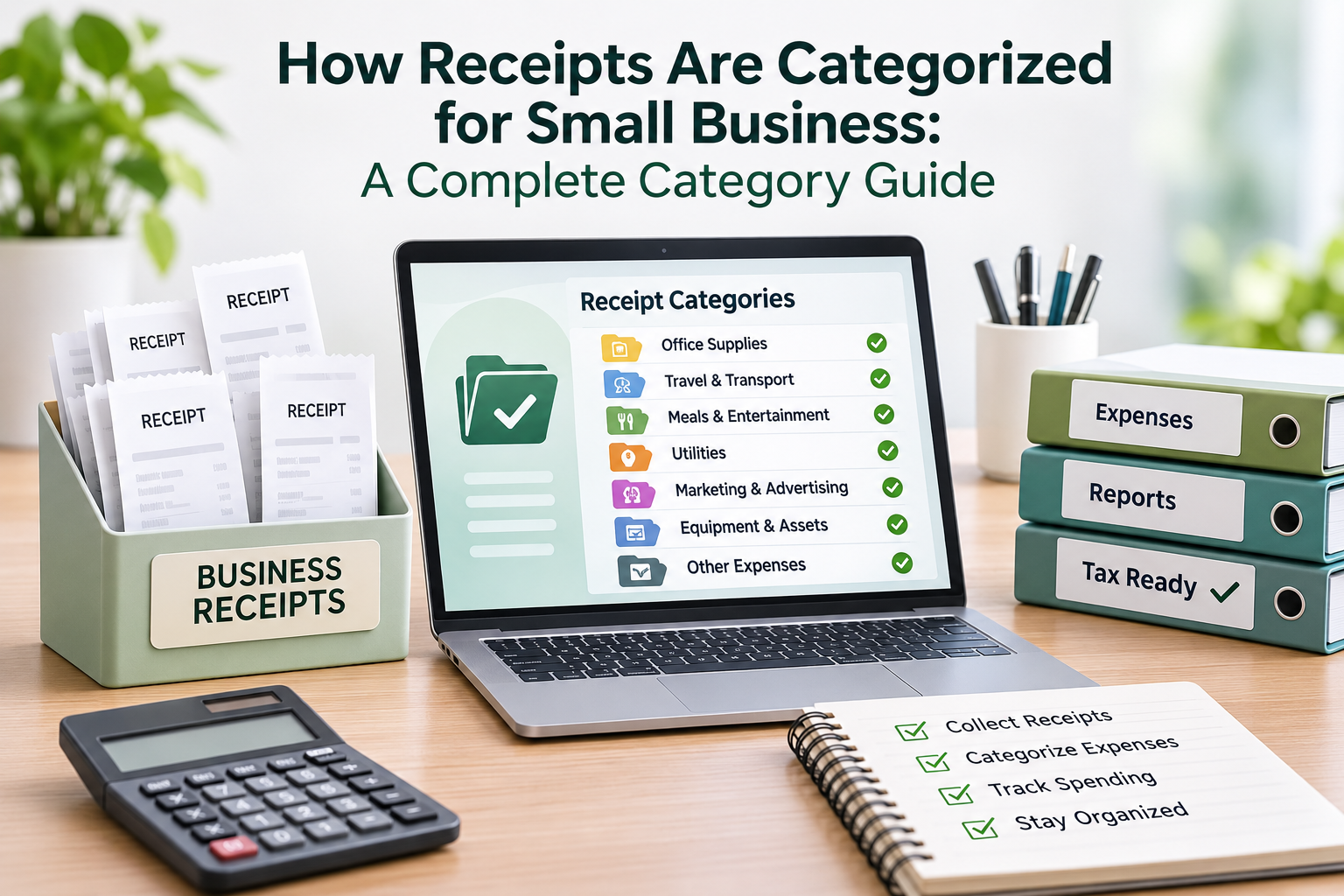
How Receipts Are Categorized for Small Business: A Complete Category...
Learn how to categorize small business receipts, standardize expense categories, organize financial records, and simplify reconciliation with a consistent recei...
 Uploaded on 25 Oct 2026
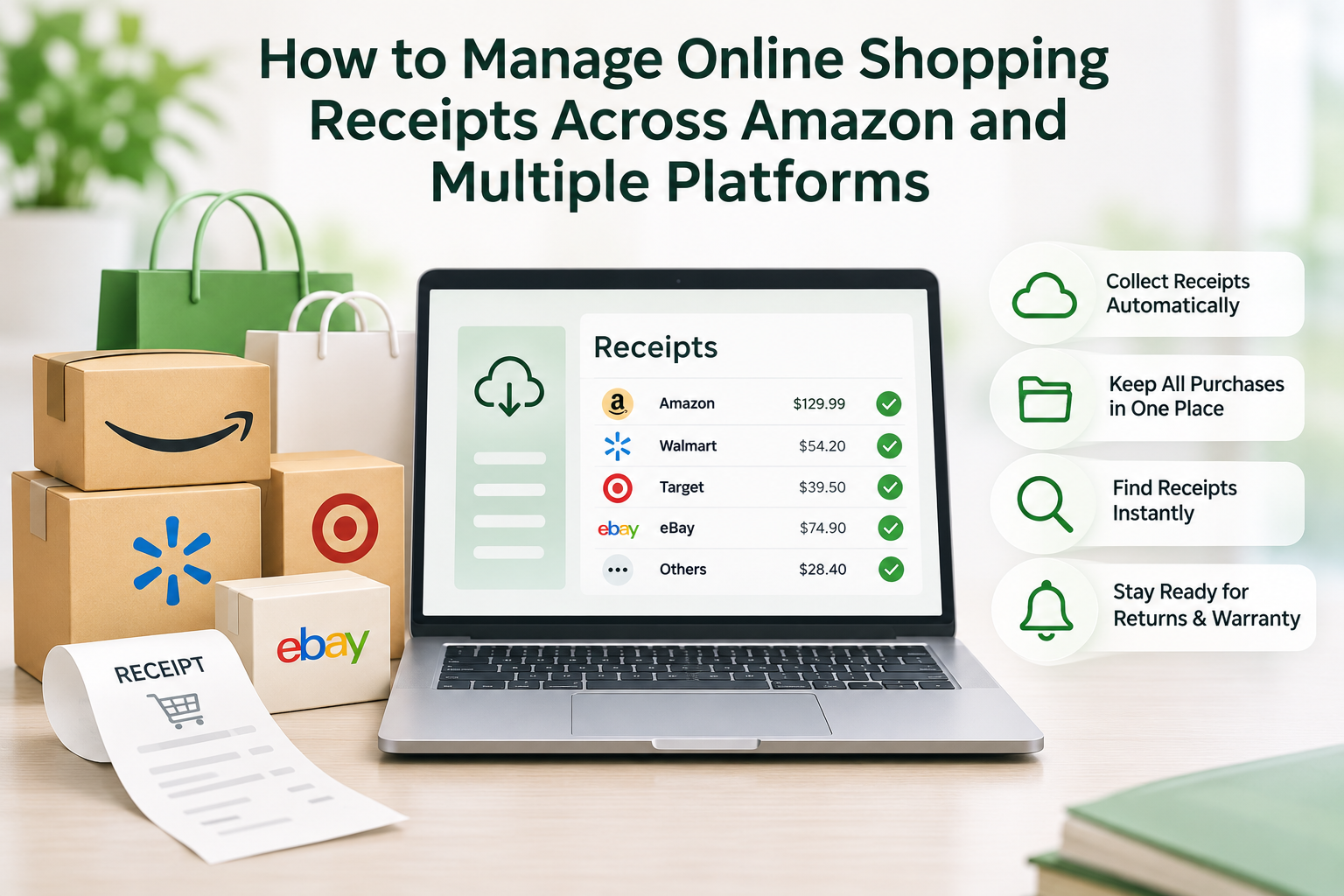
How to Manage Online Shopping Receipts Across Amazon and Multiple...
Manage online shopping receipts from Amazon, Flipkart, and other platforms. Learn how to organize digital invoices, automate email sorting, and store purchase r...
Uploaded on 25 Oct 2026
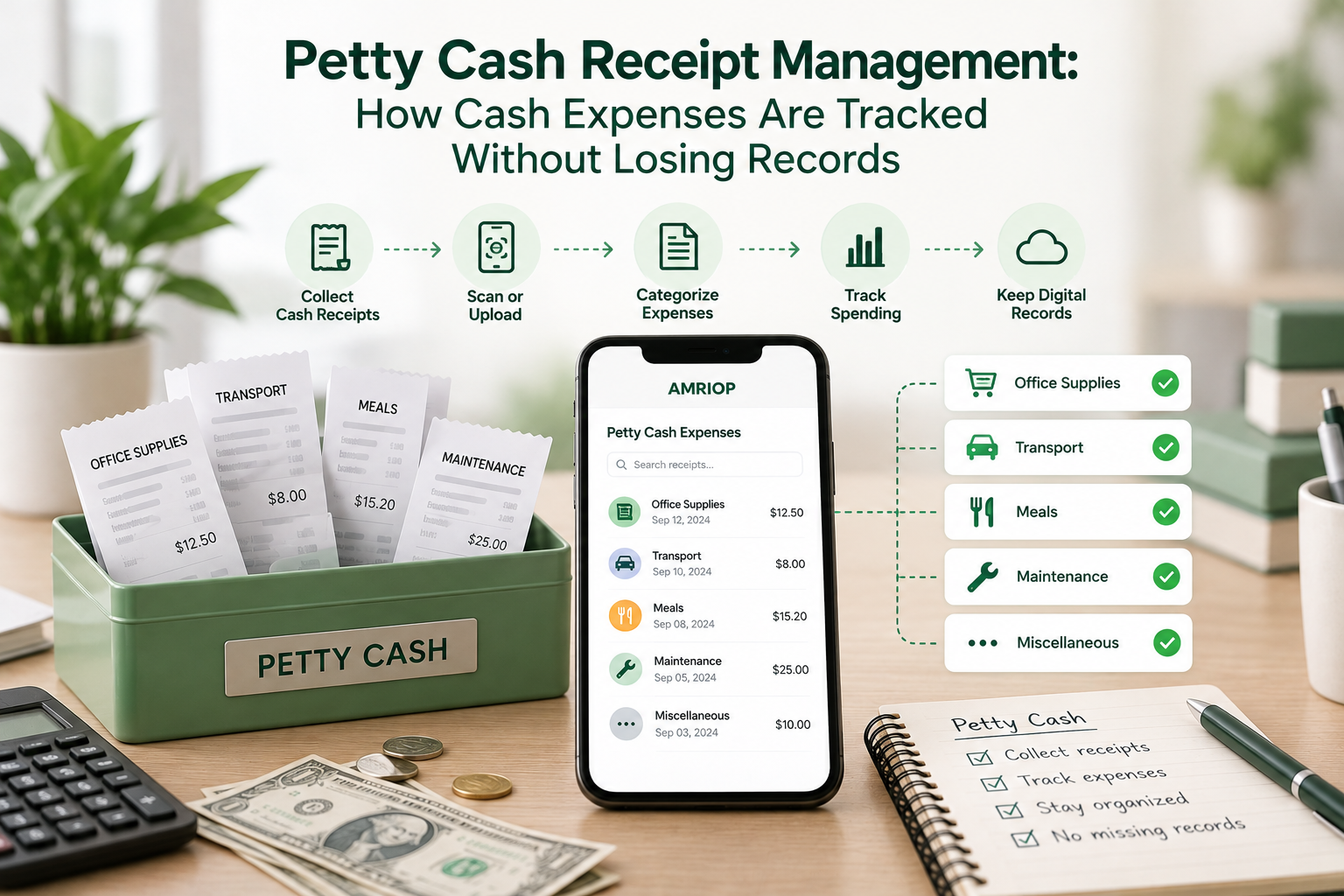
Petty Cash Receipt Management: How Cash Expenses Are Tracked Without...
Learn how to manage petty cash receipts, document cash expenses, reconcile transactions, and organize business records with a simple digital receipt management...
Uploaded on 14 Oct 2026
Start Your Paperless Journey
At Amriop, we’re more than an invoice management software, we’re building a smarter, more sustainable way to handle digital receipts. Whether you want to manage eReceipts more efficiently, adopt electronic receipts to reduce waste, or use secure digital receipt storage, Amriop offers a receipt organizer and receipt management system designed for everyone.
Go Paperless Now