How to Manage Online Shopping Receipts Across Amazon and Multiple Platforms
Manage online shopping receipts from Amazon, Flipkart, and other platforms. Learn how to organize digital invoices, automate email sorting, and store purchase records securely.
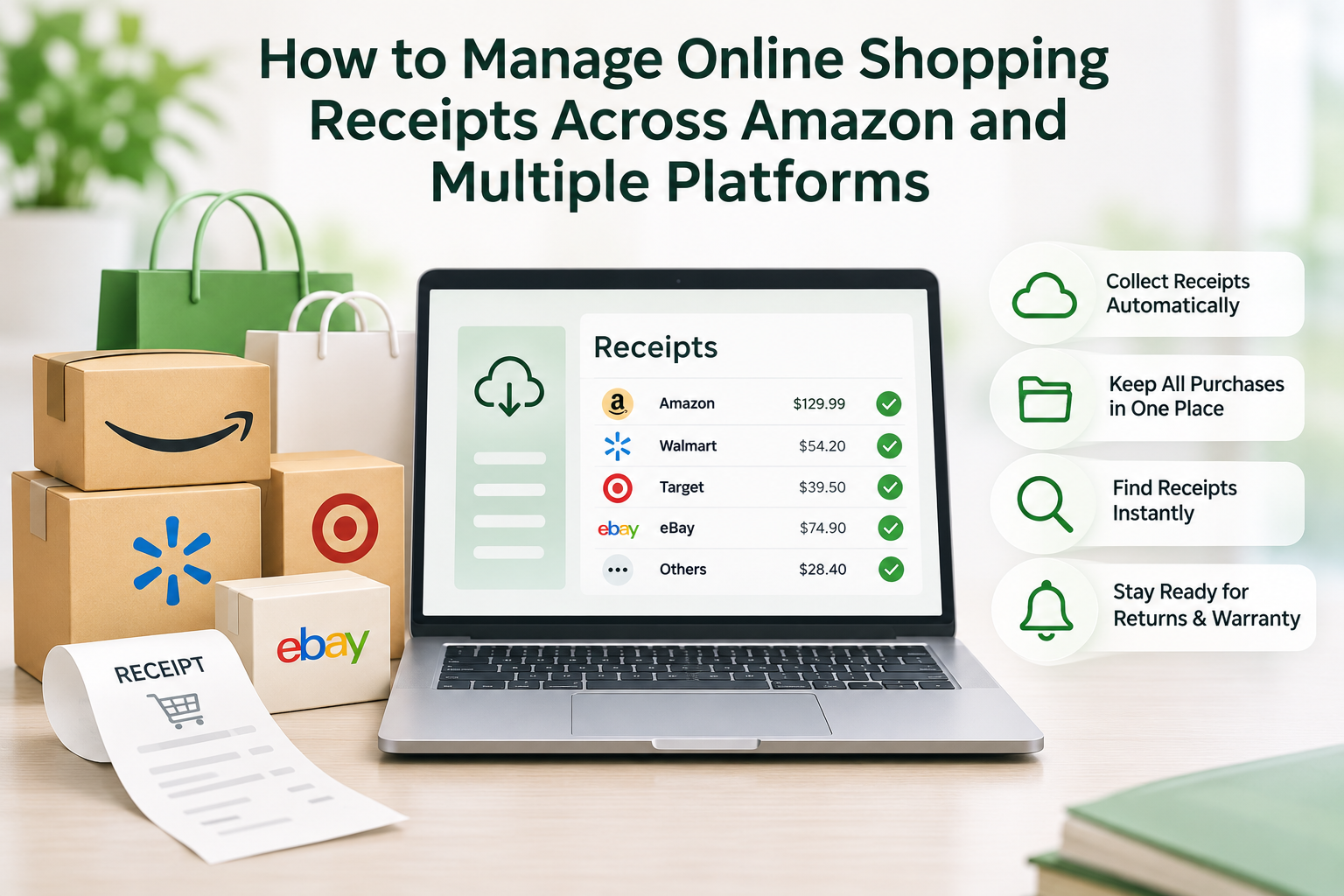
Every online order creates a digital record, but when purchases are spread across Amazon, Flipkart, fashion retailers, food delivery services, subscription platforms, and dozens of other websites, those electronic receipts can quickly become difficult to find. A simple digital receipt management system keeps purchase records organized before a return, warranty request, reimbursement, or accounting task makes them necessary.
Online shopping has made purchasing easier, but it has also changed how receipts are received and stored. Instead of a paper slip being handed over at checkout, the purchase record may arrive as an email, downloadable invoice, order confirmation, PDF, or document available inside an account.
The result can be a crowded inbox containing hundreds of order confirmations and promotional messages.
A dedicated digital receipt system can bring these records into one organized location. Instead of relying entirely on email search or individual retailer accounts, receipts can be captured, categorized, and stored for later retrieval.
For business purchases, organized records can also support broader accounting and recordkeeping processes. The IRS states that businesses may use an electronic system to capture and organize records, provided it follows the same basic recordkeeping principles applicable to other records.
Why Is Managing Online Shopping Receipts Harder Than Managing Paper Ones?
Digital receipts may appear easier to manage because they do not physically occupy space. In practice, however, they can become scattered across email accounts, retailer websites, mobile apps, cloud folders, and downloaded files.
The Multi-Platform Problem
A single week of online purchases can produce electronic receipts from several different platforms.
One order may generate:
- An order confirmation email
- A shipping notification
- A delivery notification
- A formal invoice
- A return confirmation
- A refund confirmation
Different retailers may also use different subject lines and document formats.
An eReceipt from one platform may be a PDF attachment, while another may simply provide a link to an invoice inside the customer's account.
This makes it difficult to establish one reliable filing routine without a dedicated process.
Why an Email Inbox Is Not a Digital Receipt Storage System
Email is useful for receiving purchase records, but it was not designed specifically as a receipt archive.
A receipt can become difficult to locate when:
- Promotional emails from the same retailer surround it.
- The subject line does not clearly identify the purchase.
- Multiple orders are placed within a short period.
- An order is returned and the original email becomes mixed with refund messages.
- Attachments are downloaded but later forgotten in a computer folder.
- The receipt is stored in an account that is no longer regularly accessed.
The FTC recommends keeping records of online purchases, including receipts and emails, along with information about what was ordered, the date, amount paid, seller, return policy, and relevant communications.
That makes a dedicated digital receipt storage system useful because the receipt is moved from a communication inbox into an organized recordkeeping workflow.
Online shopping receipts can be harder to manage than paper receipts because electronic records may be distributed across multiple inboxes, accounts, and platforms instead of being stored in one physical or digital location.
Where Are Receipts Found on Major Shopping Platforms?
The exact location of a receipt or invoice depends on the platform, country, account type, and transaction.
For that reason, a general rule is more reliable than a fixed navigation path:
Start with the order history or account billing section and look for Invoice, Receipt, Order Details, or Download.
How to Retrieve a Digital Receipt on Amazon
For Amazon purchases, the order history or order details area can provide access to available invoice information.
Amazon Business also provides dedicated invoice management features. Amazon states that authorized users can access and manage invoices through the business account, and invoices can also be made available for download from relevant order details.
The exact options available can differ according to the account and transaction.
For an important purchase, the invoice or other available purchase record should be downloaded and stored rather than relying exclusively on the retailer account.
How to Retrieve a Digital Receipt on Flipkart
For Flipkart purchases, order-related information is generally accessed through the platform's order and support areas.
Because platform interfaces and document availability can change, the specific navigation path should be checked directly within the account rather than relying on an outdated step-by-step instruction.
The same principle applies to any retailer: once an invoice or purchase document is available, it can be downloaded and added to a centralized receipt system.
How to Find Receipts on Other Shopping Platforms
The same process can be applied to other retailers and services.
Look for:
Account → Orders / Purchases → Order Details → Invoice / Receipt / Download
For subscription services, the equivalent document may be found under:
Account → Billing → Payment History → Invoice / Receipt
Food delivery services may provide a bill or order record inside the individual order history.
Because availability varies by platform, country, seller, and account type, receipts should be saved when they become available rather than assuming that an identical retrieval process will remain available indefinitely.
| Platform Type | Common Location | Possible Format |
| Online marketplace | Order history / order details | PDF, invoice, account record |
| Fashion retailer | Orders / purchase history | PDF or downloadable invoice |
| Food delivery | Order history | Digital bill or receipt |
| Subscription service | Billing / payment history | Email or PDF invoice |
| Business purchasing account | Invoices / account billing | PDF, electronic invoice, reports |
Major shopping platforms generally place purchase documents within order, account, or billing areas, but the exact location and availability can change. Important records should therefore be downloaded or otherwise preserved when accessible.
How Should Online Shopping Receipts Be Organized Into One System?
A receipt organizer can be used to move online purchase records from scattered accounts into one structured system.
Step 1: Use Email as a Collection Point
Email filters can provide the first layer of organization.
For example, Gmail or Outlook rules can identify messages containing terms such as:
- Invoice
- Receipt
- Order
- Purchase
- Payment confirmation
Messages can then be directed into a dedicated "Receipts" folder or label.
This should be treated as a collection step rather than the complete storage system.
Step 2: Save Important Receipts to Central Digital Receipt Storage
Important invoices and receipts can be downloaded as soon as they become available.
A consistent naming system can also make ordinary cloud storage easier to navigate.
For example:
2026-09-24_Amazon_Wireless-Headphones_$149.pdf
However, filenames alone can become difficult to manage when hundreds of receipts accumulate.
Step 3: Use a Receipt Management App
A receipt management app can provide a dedicated location for digital purchase records.
Depending on the features offered, receipts may be uploaded as PDFs, images, or forwarded documents. Some systems may also use OCR to extract information such as vendor, date, and amount.
Extracted information should be reviewed when accuracy matters. Automated extraction can make organization faster, but it does not eliminate the need to verify important records.
Step 4: Apply One Category System Across Platforms
A common category structure can be used regardless of where the purchase was made.
For example:
- Electronics
- Clothing
- Groceries
- Food Delivery
- Household
- Health
- Subscriptions
- Business Expenses
This creates a consistent receipt tracker instead of separate systems for each retailer.
Step 5: Review Receipts Regularly
A monthly review can be used to compare purchase records with bank or card statements.
This can help identify:
- Missing receipts
- Duplicate charges
- Unrecognized transactions
- Refunds that have not appeared
- Business purchases that still need documentation
For businesses, this type of organization can support the broader recordkeeping system. The IRS states that supporting documents such as invoices and receipts should be kept because they support entries in business books and tax returns.
Five steps, email collection, same-session saving, centralized receipt management, consistent categories, and regular review, can turn scattered electronic receipts into a searchable digital receipt storage system.
What Details Should Be Captured From Every Online Shopping Receipt?
Not every receipt needs the same level of detail, but the following information is useful for most purchases.
| Information | Why It Matters |
| Order date | Establishes when the purchase occurred |
| Platform or seller | Identifies where the purchase was made |
| Product or service | Shows what was purchased |
| Amount paid | Supports spending records |
| Payment method | Helps reconcile the transaction |
| Order or invoice number | Helps locate the transaction |
| Seller name | Useful when a marketplace purchase involves a third-party seller |
| Tax amount, where shown | Helps with applicable accounting or tax records |
| Return or warranty information | Helps when follow-up is required |
For U.S. business recordkeeping, the IRS states that supporting documents for expenses should identify information such as the payee, amount paid, proof of payment, date incurred, and description of the item or service. It also notes that a combination of documents may be needed to substantiate all elements of a purchase or expense.
A receipt should therefore be viewed as part of the overall transaction record rather than automatically being treated as the only document that matters.
Capturing the order date, seller, purchase details, amount, payment information, and transaction reference creates a more useful digital receipt record for returns, warranty matters, spending reviews, and applicable business recordkeeping.
How Are Email Receipts Sorted Automatically Without Manual Effort?
Email filtering can reduce the amount of manual sorting required.
Gmail
A filter can be created using known sender addresses or terms such as:
invoice OR receipt OR order
Matching messages can then be assigned a dedicated "Receipts" label.
Outlook
A similar rule can be created to move messages from known retailers or messages containing relevant receipt-related terms into a designated folder.
Receipt Management Apps
Some receipt management services may provide email forwarding or inbox-related integrations. The available functionality depends on the service and the permissions granted to it.
Before connecting an email account to a third-party service, its privacy policy, security practices, data retention practices, access permissions, and deletion procedures should be reviewed.
The FTC specifically advises consumers to examine an app or website's privacy policy and terms to understand what personal information is collected, shared, and protected.
Email filtering automates the first stage of eReceipt collection, but a folder inside an inbox is not necessarily a complete receipt archive. Important electronic receipts can be moved into a dedicated receipt organizer or digital storage system for longer-term organization.
E-Receipts: What They Are and Benefits
Why Does Organized Digital Receipt Management Matter Beyond Returns?
A receipt is useful for more than returning an item.
Returns and Refunds
Retailers establish their own return policies and deadlines. The FTC recommends keeping purchase records and checking the seller's return policy before seeking a refund or exchange.
A centralized record makes it easier to locate the relevant purchase before the applicable deadline.
Warranties
A receipt can help establish when a product was purchased.
Keeping the receipt with warranty documents can make it easier to verify the purchase date and transaction details if warranty service is needed.
Business Recordkeeping
For business purchases, receipts and invoices can form part of the supporting documentation used to substantiate business expenses.
The IRS permits electronic recordkeeping systems and states that electronic records are subject to the same basic recordkeeping principles as hard-copy records.
This does not mean that storing a receipt automatically makes an expense deductible. The expense must still satisfy the applicable tax rules and documentation requirements.
Payment Disputes
Purchase records can also help when communicating with a seller or payment provider about a transaction.
The FTC recommends keeping purchase records, communications, and payment statements when shopping online.
A return deadline may pass quickly, but the purchase record can remain useful for warranty matters, business documentation, payment questions, and future reference.
Frequently Asked Questions
How long do platforms like Amazon and Flipkart keep receipts accessible?
There is no single retention period that can safely be stated for every platform, purchase, or account. Availability can depend on the retailer, country, account type, transaction, and document.
For important purchases, the safer practice is to download or otherwise preserve the available invoice or receipt rather than relying on continued access through the retailer's account.
For U.S. business records, separate tax recordkeeping rules may apply. The IRS states that businesses should retain supporting records for the applicable period and that the required period can vary depending on the type of record and circumstances.
Is an email order confirmation the same as a digital receipt?
Not necessarily.
An order confirmation generally confirms that an order was placed. A formal invoice or receipt may contain additional information about the completed transaction.
The distinction can matter for business accounting, warranties, reimbursements, returns, or tax documentation. The document provided by the retailer should therefore be retained rather than assuming that every confirmation email serves the same purpose.
Can online shopping receipts be used for business tax records?
They can form part of the supporting documentation for a business expense when the purchase is otherwise eligible and the records adequately substantiate the transaction.
For U.S. federal tax purposes, the IRS states that business records should support income, expenses, and credits reported on the return. It also explains that supporting documents can include receipts, invoices, statements, and other records.
A digital receipt alone does not automatically make a purchase deductible. Tax treatment depends on the nature of the expense and the applicable rules.
What should be done when an order confirmation email is accidentally deleted?
The retailer's account should be checked first.
Look under order history, purchases, billing, invoices, or order details. If the document is still available, it can be downloaded and added to the receipt management system.
If it is no longer available, other records such as bank or credit card statements, shipping information, refund records, and communications with the seller may help reconstruct the transaction. The FTC recommends retaining purchase records and payment statements for online purchases.
For business or tax documentation, the appropriate supporting evidence depends on the transaction and applicable requirements.
Is it safe to store online shopping receipts in a third-party receipt management app?
It can be reasonable when the service provides appropriate privacy and security protections, but no third-party service should be assumed to be risk-free.
Before storing receipts, review:
- Privacy policy
- Data collection practices
- Data sharing practices
- Encryption and security information
- Account access controls
- Data retention and deletion policies
- Export or download options
- Whether email or cloud-account access is requested
Receipts can contain names, addresses, order numbers, purchase histories, and other personal information. The FTC recommends reviewing how shopping apps and websites collect, use, share, and protect personal information before using them.
Disclaimer: The views and opinions expressed in this blog are those of the blogger and are provided for informational purposes only. They should not be considered legal advice or a substitute for advice from a qualified legal professional.
Related Blogs
View all the related blogs from here
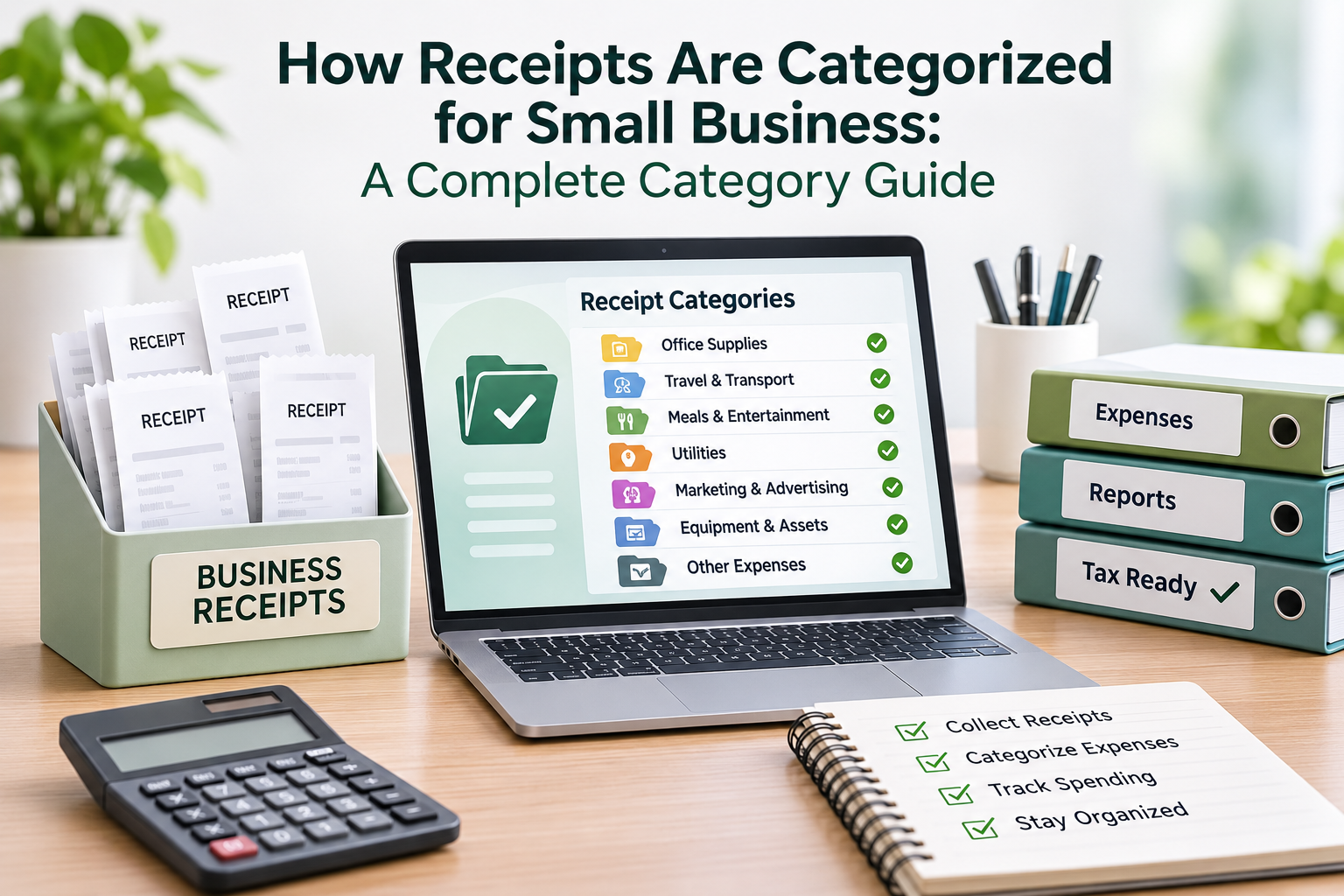
How Receipts Are Categorized for Small Business: A Complete Category...
Learn how to categorize small business receipts, standardize expense categories, organize financial records, and simplify reconciliation with a consistent recei...
 Uploaded on 25 Oct 2026
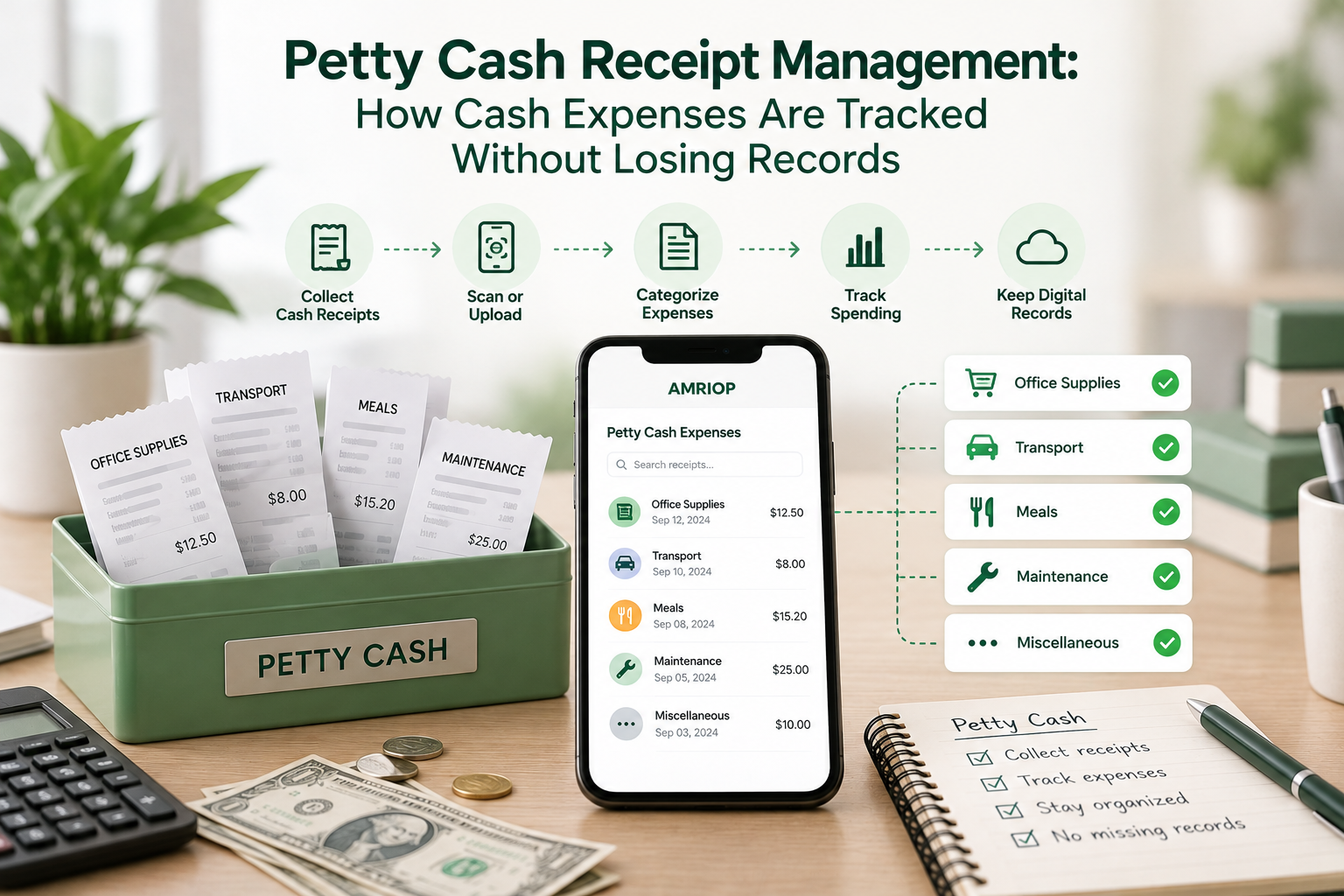
Petty Cash Receipt Management: How Cash Expenses Are Tracked Without...
Learn how to manage petty cash receipts, document cash expenses, reconcile transactions, and organize business records with a simple digital receipt management...
Uploaded on 14 Oct 2026
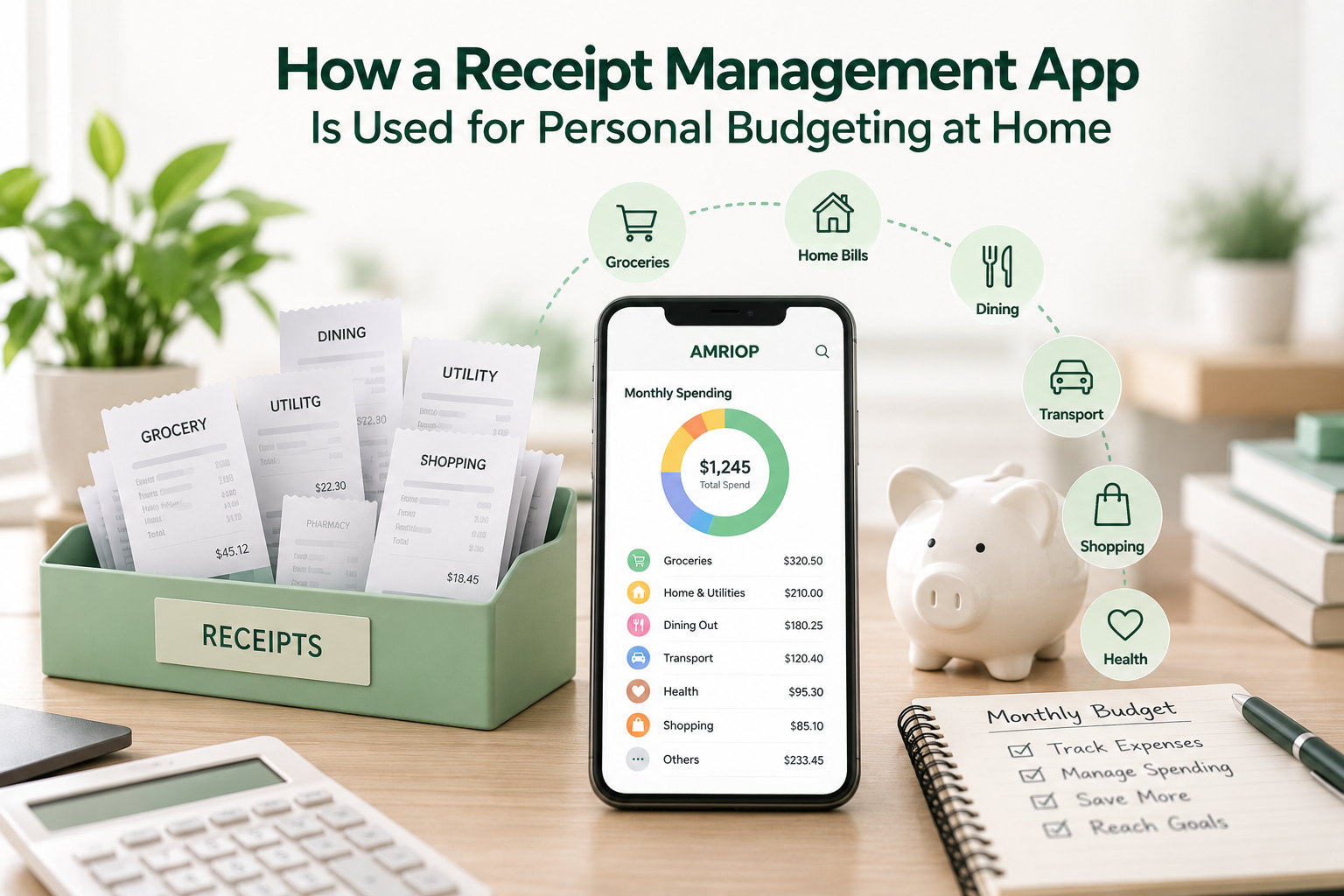
How a Receipt Management App Is Used for Personal Budgeting...
Learn how to use a receipt management app for personal budgeting, including organizing receipts, tracking household spending, and managing digital purchase reco...
Uploaded on 04 Oct 2026
Start Your Paperless Journey
At Amriop, we’re more than an invoice management software, we’re building a smarter, more sustainable way to handle digital receipts. Whether you want to manage eReceipts more efficiently, adopt electronic receipts to reduce waste, or use secure digital receipt storage, Amriop offers a receipt organizer and receipt management system designed for everyone.
Go Paperless Now