How Digital Receipts Are Managed With Invoice Management Software: A Step-by-Step Guide
Learn how digital receipts are managed with invoice management software, from capturing and organizing receipts to automating storage and improving record keeping.
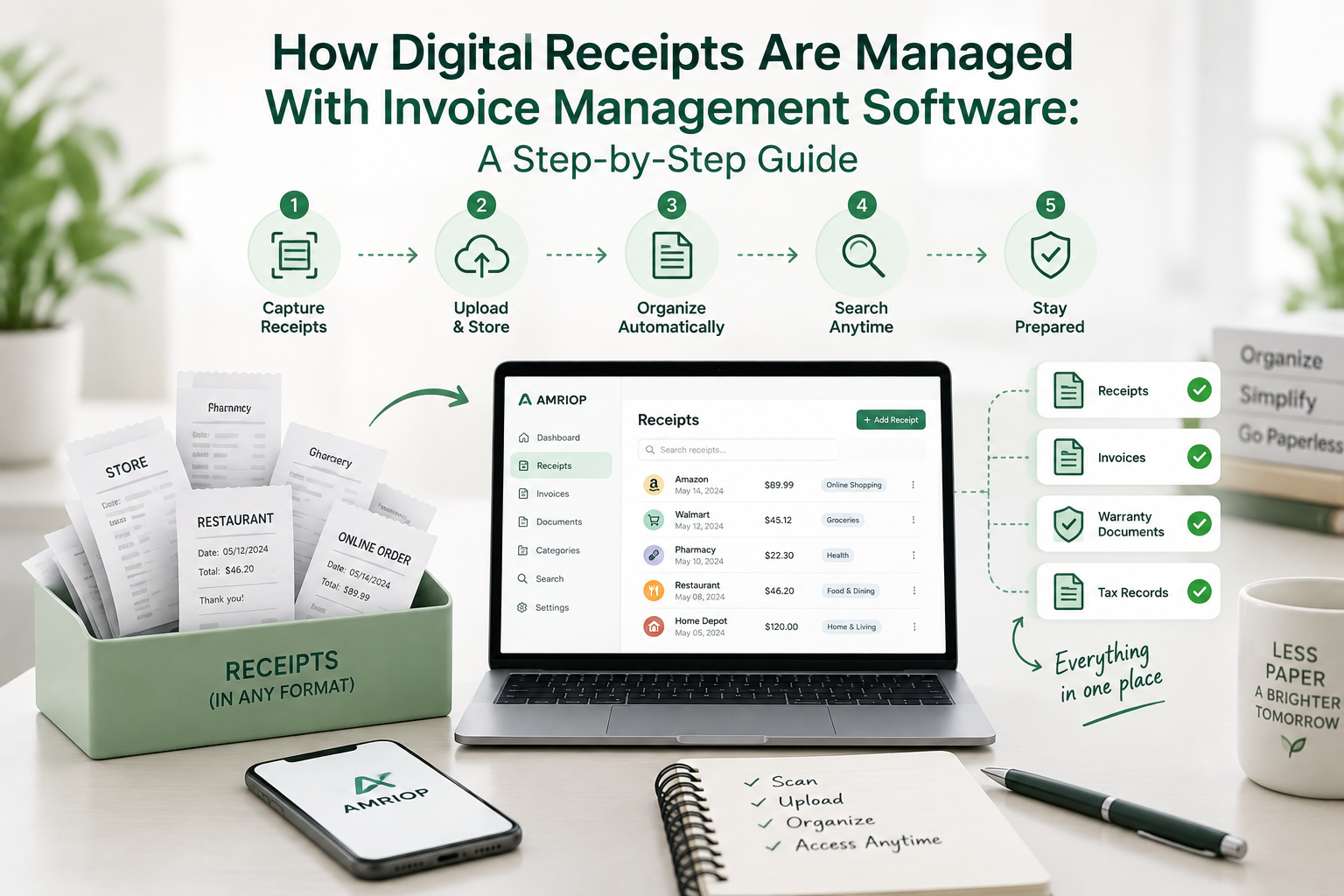
A digital receipt is only made useful once it can be stored somewhere it can be found again, and invoice management software can turn scattered digital receipts into a searchable, organized record that is easier to review and maintain instead of a digital shoebox. This exact problem was experienced firsthand when a warranty claim was lost because an e-receipt had been buried under hundreds of unread promotional emails. The system built afterwards, so this never happens again, is laid out below.
What Is a Digital Receipt, and Why Does It Matter?
A digital receipt is the electronic version of a paper slip: same vendor, date, amount, and items, just delivered as email, app notification, or PDF instead of a thermal print. It should be treated as a financial document, not a confirmation email, since that's what it becomes during a return or tax review.
How a Digital Receipt Differs From a Paper Slip
Paper fades, especially thermal paper, and piles up in drawers over time. A digital receipt is not degraded the same way, but it can be buried in an inbox just as fast without a deliberate storage step. The fading problem is solved by e-receipts; the organization problem is not.
Why It Pays to Make the Switch
After noticing that many paper receipts were being scanned anyway, the paperless option was chosen whenever available. Digital receipts were chosen at the register instead, removing one manual step.
A digital receipt can serve as proof of purchase in many situations, but acceptance depends on the retailer, manufacturer, warranty terms, or other applicable requirements. The only difference is that a deliberate storage step is required, or it gets lost in inbox noise just as easily as paper gets lost in a drawer.
What Is Invoice Management Software, and How Is It Different From Receipt Management?
Invoices and receipts are captured, organized, and routed inside one searchable system by invoice management software, often synced with accounting platforms. Receipt management is the broader habit of organizing receipts, no matter which tool is used.
What Invoice Management Software Is Actually Used For
Some invoice and receipt-management platforms can capture documents from email, extract key information, and organize records automatically, tag them by vendor and category, and keep them ready for a deduction, return, or dispute. A complete guide to managing receipts for small business owners covers invoicing workflows in more depth.
| Aspect | Receipt Management | Invoice Management Software |
| What it is | A habit or process | A tool that automates the habit |
| Best suited for | Personal and small expenses | Recurring business invoices and receipts |
| Manual effort | High when done by hand | Low; capture is automated |
| Output | Organized folders | Searchable, reportable records |
Receipt management is the practice; invoice management software is the engine that keeps it sustainable once receipt volume outgrows a single folder.
How Can a Reliable Digital Receipt Storage System Be Set Up?
Step 1: One Home Is Chosen for Every Receipt
A single centralized location is chosen for digital receipt storage instead of splitting receipts across email, cloud drives, and a downloads folder.
Step 2: The Receipt Is Captured the Same Day
A receipt is filed or scanned within hours, not in a weekly batch, since delaying the filing process makes receipts easier to overlook or misplace. This is the core of keeping track of receipts without losing them.
Step 3: It Is Tagged Before the Context Is Forgotten
Vendor, category, and purpose are added right away, since the reason behind a purchase tends to be forgotten within days, not months.
Step 4: The Repetitive Part Is Handled by Invoice Management Software
The inbox is connected to software that uses OCR to auto-extract vendor, date, and amount, so data is not retyped from every receipt by hand.
Step 5: Monthly Review and Backup Are Kept
About fifteen minutes a month are spent checking for duplicates and gaps, and a second backup copy is kept outside the primary system.
This loop- centralizing, capturing same-day, tagging, automating, reviewing monthly- turns receipt chaos into a system that works for personal and business invoices alike.
Which Method of Managing Digital Receipts Actually Works Best?
Each method was judged on three measures: how quickly a receipt could be located, how ready the record was for a tax preparer, and how much time it cost. A tool-by-tool breakdown is available in this guide to the best receipt organizer software for 2026.
| Method | Searchability /5 | Tax-Readiness /5 | Time Saved /5 | Overall Score /5 |
| Paper shoebox | 1 | 1 | 1 | 1 |
| Email inbox only | 2 | 2 | 2 | 2 |
| Manual spreadsheet | 3 | 3 | 2 | 2.7 |
| Dedicated digital receipt tool | 5 | 5 | 4 | 4.7 |
A dedicated tool is rated highest because receipts are categorized and backed up automatically, with no extra effort required. A spreadsheet is still kept for totals, but only as a backup, not the primary system.
A dedicated digital receipt tool can offer advantages in searchability, organization, and automation compared with manual methods, although the right approach depends on the user's needs.
What Mistakes Quietly Wreck Digital Receipt Storage?
- Receipts left in the inbox "to sort later"
- Files named "receipt1.pdf" instead of vendor, date, amount
- Receipts stored on one device with no backup
- Personal and business purchases mixed in the same folder
Most digital receipt failures are not caused by a lost file. They are caused by inconsistent naming, single-device storage, and delayed filing, all of which can be fixed with a simple naming convention and a backup habit.
Frequently Asked Questions
Is a digital receipt legally valid as proof of purchase?
A digital receipt can serve as proof of purchase in many situations, including some returns, warranty claims, and expense records. However, requirements vary by retailer, manufacturer, warranty terms, tax rules, and other circumstances. Keep the original digital record and check the applicable requirements when documentation is important.
What is the difference between receipt management and invoice management software?
Receipt management is the ongoing process by which receipts are organized, while invoice management software is the tool through which that process is automated at scale. "Receipt management" describes the habit; "invoice management software" describes the platform handling the categorizing and matching.
How long should digital receipts be kept?
For returns and warranties, keep receipts for as long as the applicable return period, warranty, service contract, or other requirement makes them relevant. Tax-related records may need to be retained longer depending on the circumstances.
Is free digital receipt storage reliable for personal use?
Yes, free tools can be relied on for personal digital receipt storage, especially ones built specifically for receipts rather than generic cloud drives. A free, purpose-built platform like Amriop is used for exactly this reason, since receipts can be centralized and organized by category, not forced into a generic folder.
Do individuals need invoice management software, or is that only for businesses?
No, invoice management software is not limited to businesses, even though the term originated there. The same automated capture and categorization can be used by anyone juggling subscriptions, online orders, and service invoices, with or without a company being run.
How should receipts be managed by small business owners?
Receipts should be centralized, digitized immediately, and synced with accounting software, rather than collected in a shared inbox or a folder of mixed personal and business expenses. A fuller breakdown of approval workflows, categorization, and audit prep is covered in this complete guide for small business owners.
Disclaimer: The information provided in this blog is for general informational purposes only and reflects the writer’s opinions. It should not be considered legal, tax, financial, or other professional advice. Readers should consult a qualified professional for advice specific to their circumstances.
Related Blogs
View all the related blogs from here
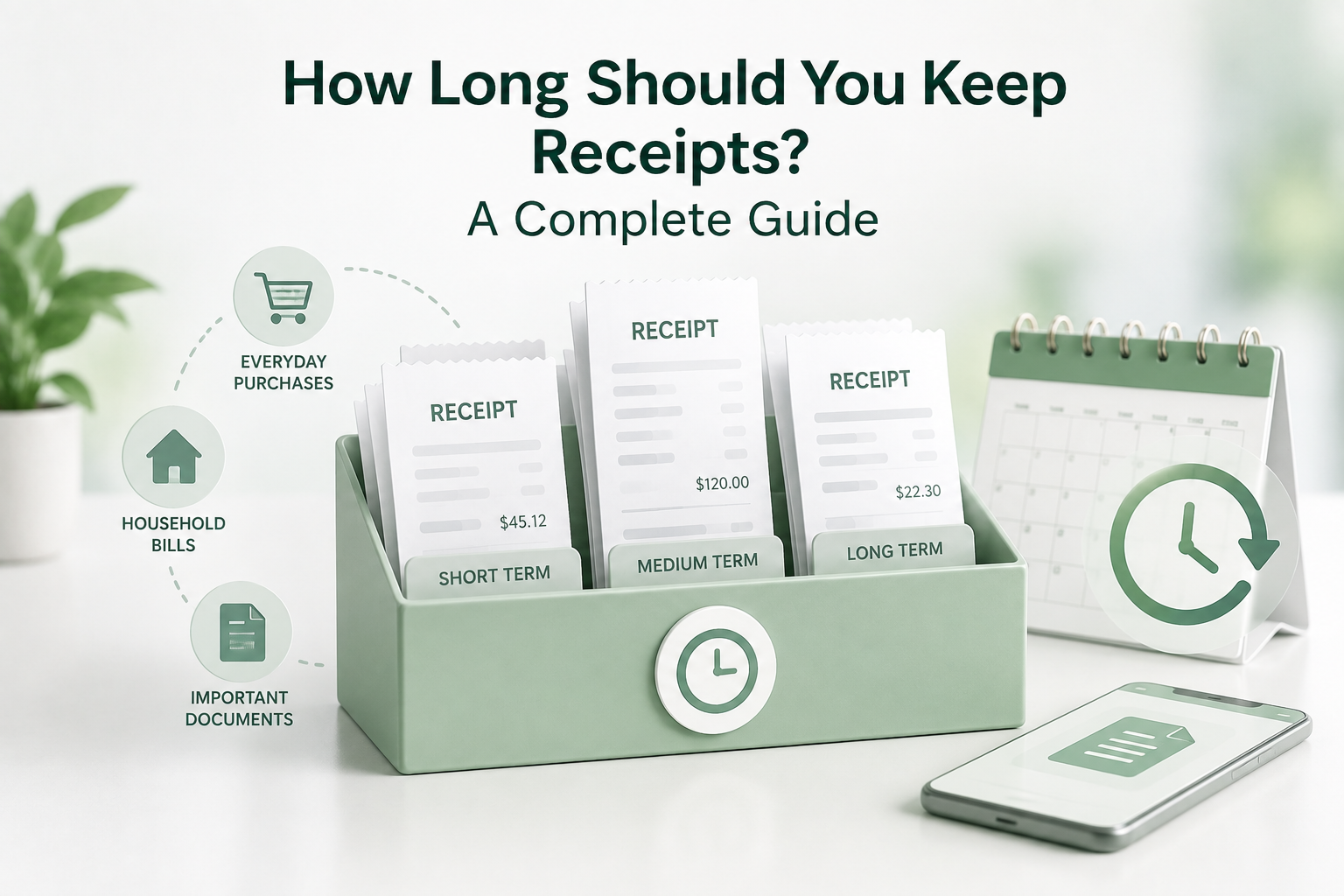
How Long Should You Keep Receipts? A Complete Guide
Learn how long to keep receipts for taxes, warranties, returns, and expenses, plus simple ways to store and organize important receipts digitally.
 Uploaded on 10 Sep 2026
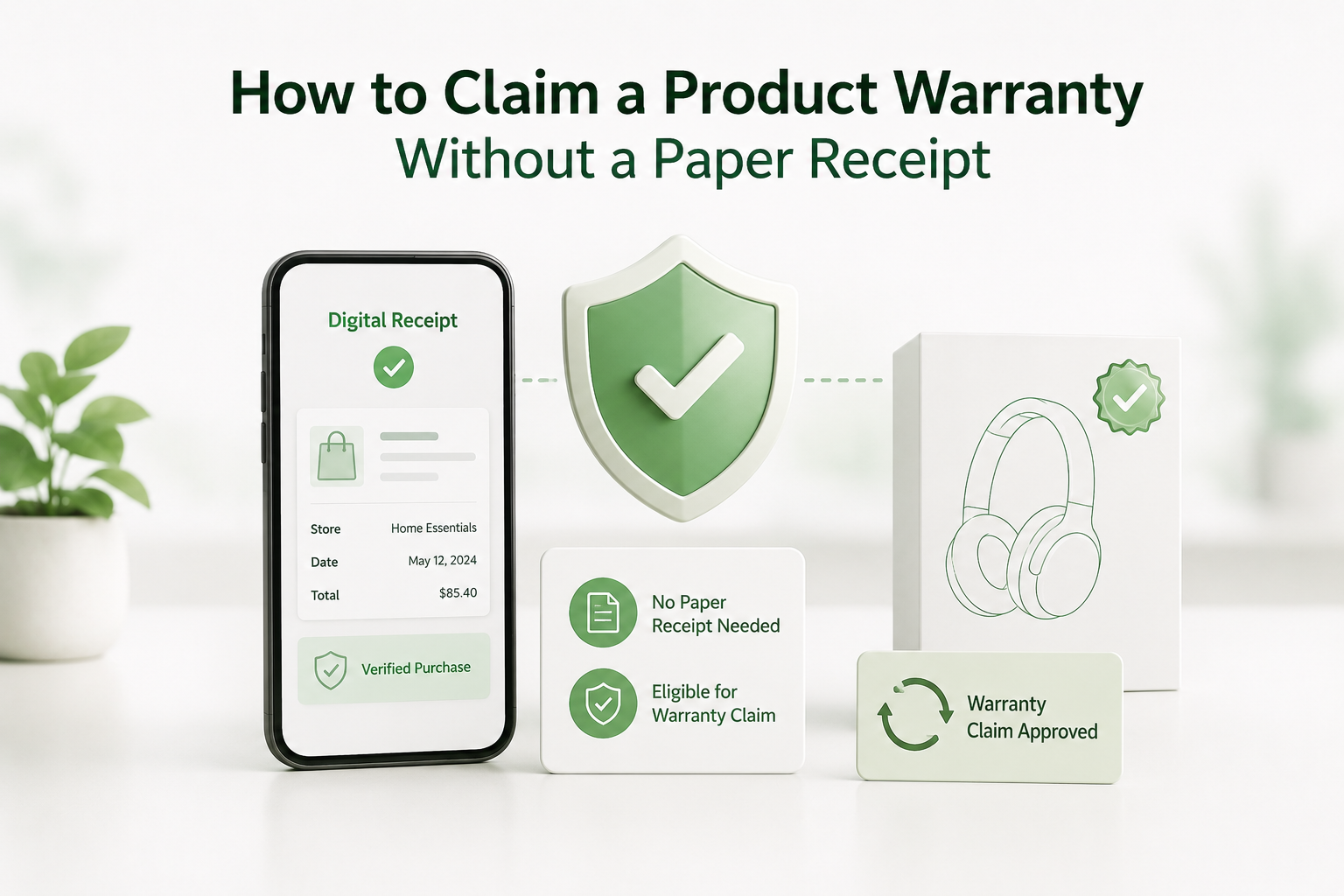
How to Claim a Product Warranty Without a Paper Receipt
Lost your receipt? Learn how to claim a product warranty using alternative proof of purchase and prevent receipt loss in the future.
Uploaded on 18 Jun 2026
Digital Receipt Security: How to Keep Your Purchase Data Safe
Learn how to protect digital receipts, secure purchase data, and choose a receipt management platform that prioritizes privacy and security.
Uploaded on 18 Jun 2026
Start Your Paperless Journey
At Amriop, we’re more than an invoice management software, we’re building a smarter, more sustainable way to handle digital receipts. Whether you want to manage eReceipts more efficiently, adopt electronic receipts to reduce waste, or use secure digital receipt storage, Amriop offers a receipt organizer and receipt management system designed for everyone.
Go Paperless Now